Description
The DB Link DBLC2 (universal Remote Level Control With Removable Chasis) is available now at 12voltronics. This page covers what the DB Link DBLC2 is, how it fits into your system, and tips for getting it set up right the first time.
DB Link DBLC2 Overview
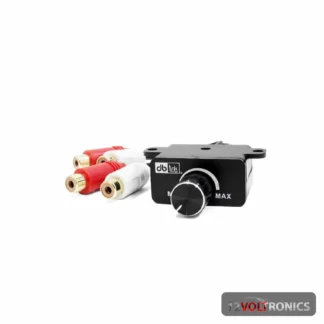
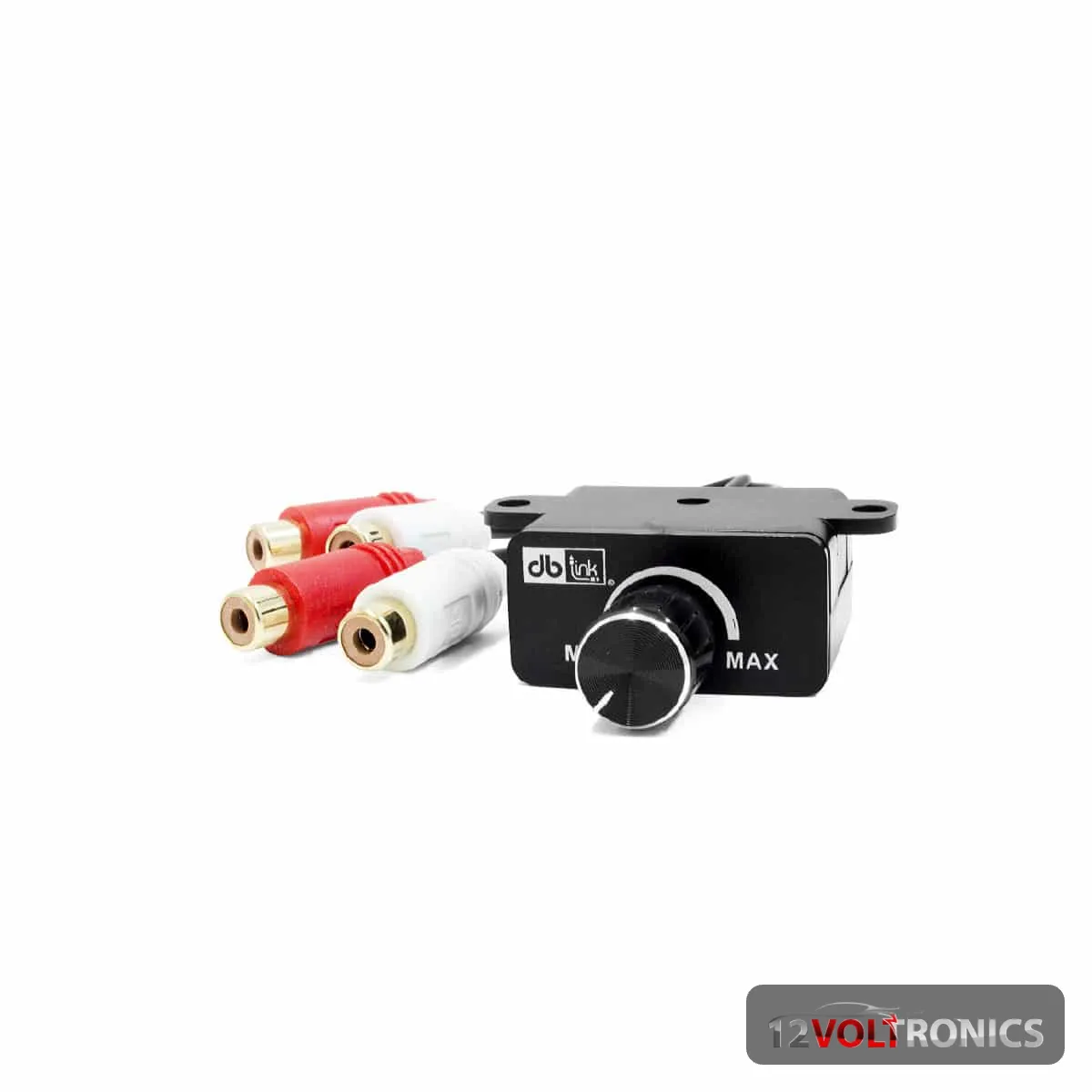
The DB Link DBLC2 is a universal Remote Level Control With Removable Chasis. DBLC2 : Universal Remote Level Control With Removable Chasis.
Why Add a Remote
A remote like the DB Link DBLC2 puts control where you need it. Instead of reaching under a seat or into the trunk, you can adjust your system from the driver’s seat, the steering wheel, or the helm. That makes it easy to turn bass up for a favorite song, turn it down for a phone call, or make quick changes while you drive.
Installing the DB Link DBLC2
- Confirm the remote is compatible with your amplifier, processor, or head unit.
- Choose a mounting spot that is easy to reach but out of the way of your legs and controls.
- Route the cable under trim panels and away from pedals and moving parts.
- Connect the remote to the matching port or receiver and secure the cable.
- Test every function before reinstalling trim.
Tips for Use
- Set your amplifier gains correctly first, then use the remote for small adjustments.
- Keep the level turned down when starting the vehicle.
- Avoid running bass at maximum for long periods.
Where Remotes Help Most
Remote controls are especially handy in vehicles where the main source unit or amplifier is hard to reach, such as boats, UTVs, golf carts, and trucks with gear mounted behind the seat. They let you make adjustments without leaving your seat, which keeps your attention on the road or the water.
Shipping and Support
Store orders from 12voltronics ship free and typically arrive within 3 to 5 business days in the US. If you have questions about fitment, wiring, or how a product fits into your build, call or email our team before you order and we will help you pick the right parts. We are car audio enthusiasts too, and we would rather help you get it right the first time than have you guess.
Planning Your Next Upgrade
Great car audio systems are usually built in stages. Many people start with a better source or speakers, then add an amplifier, a subwoofer, and finally the wiring and electrical upgrades that let everything play at its best. Whatever stage you are at, think about how each new part will work with what you already have and what you plan to add next. That way every purchase moves your system forward instead of becoming something you replace later.
Before You Buy
- Confirm the product matches your equipment and vehicle.
- Check that you have the wiring, fuses, and mounting hardware you need.
- Read the manufacturer’s instructions before installation.
- Ask us if you are unsure; we are happy to help.
Common Questions About the DB Link DBLC2
Will this work with any system? Check compatibility with your amp or source unit before you buy.
Can I extend the cable? Use a quality extension cable where available to keep the connection reliable.
Does a remote replace setting gains? No. Set gains properly with test tones first; the remote is for fine adjustments.
For more background, see the remote control article on Wikipedia.
Why Buy the DB Link DBLC2 at 12voltronics
New items from 12voltronics are covered by our 12-month factory-defect warranty (blown speakers, subs, and tweeters and install damage are not covered), and new, unused items can be returned within 30 days. Browse the full 12voltronics store for amplifiers, subwoofers, wiring, and install accessories to complete your build, and check out our $1 no-reserve car audio auctions where you name your own price.
Shop with confidence at 12voltronics.