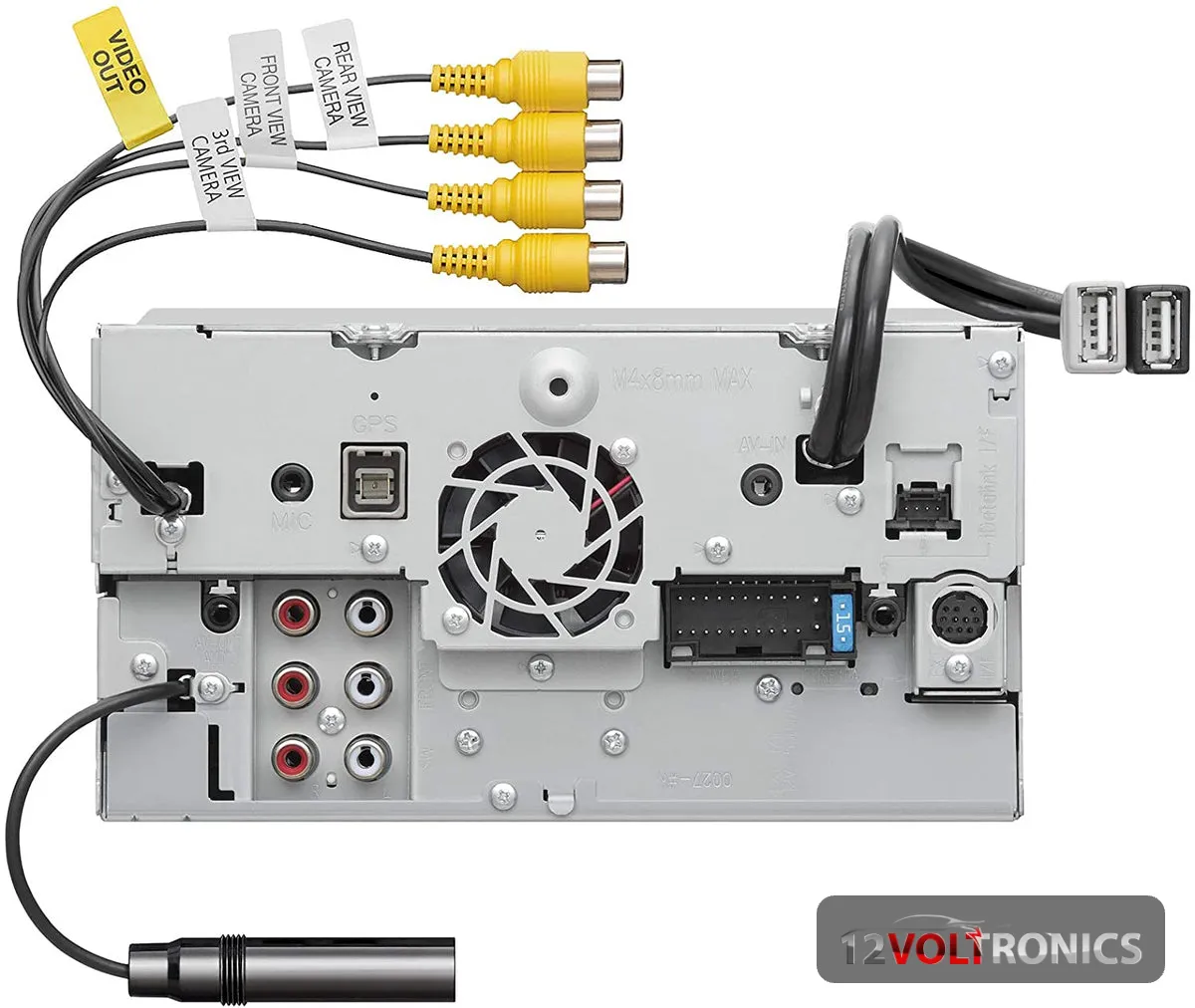
Description
The JVC KW-V960BW (6.8″ CD/DVD Receiver) is available now at 12voltronics. This page covers what the JVC KW-V960BW is, how it fits into your system, and tips for getting it set up right the first time.
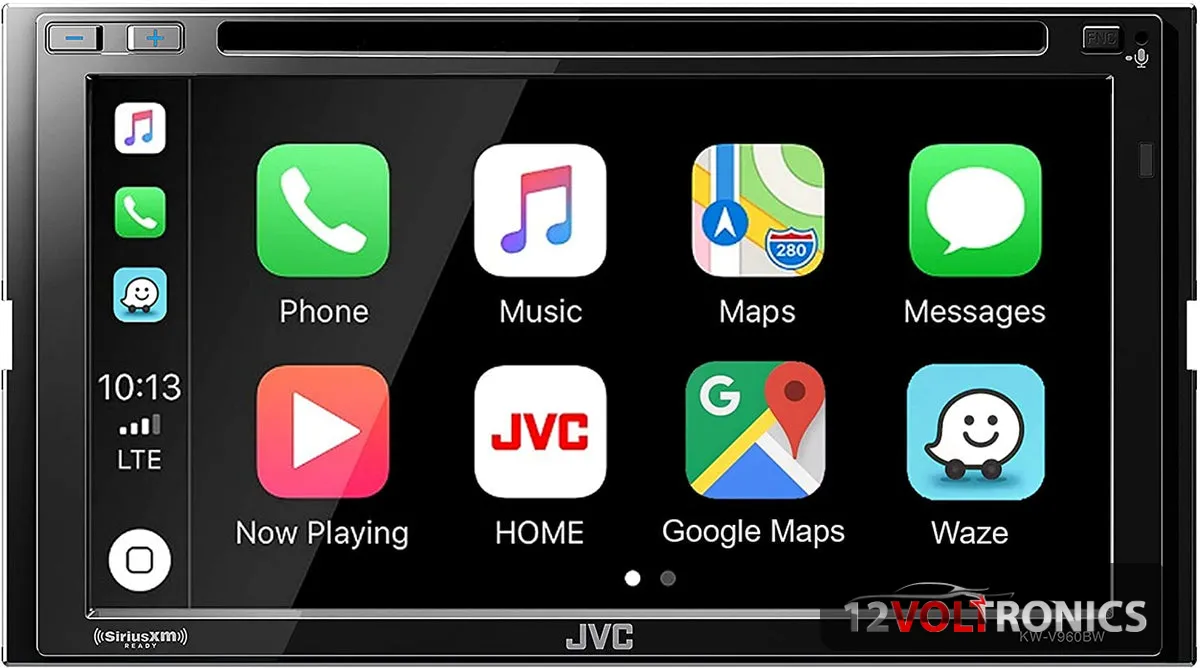
JVC KW-V960BW Overview
Overview
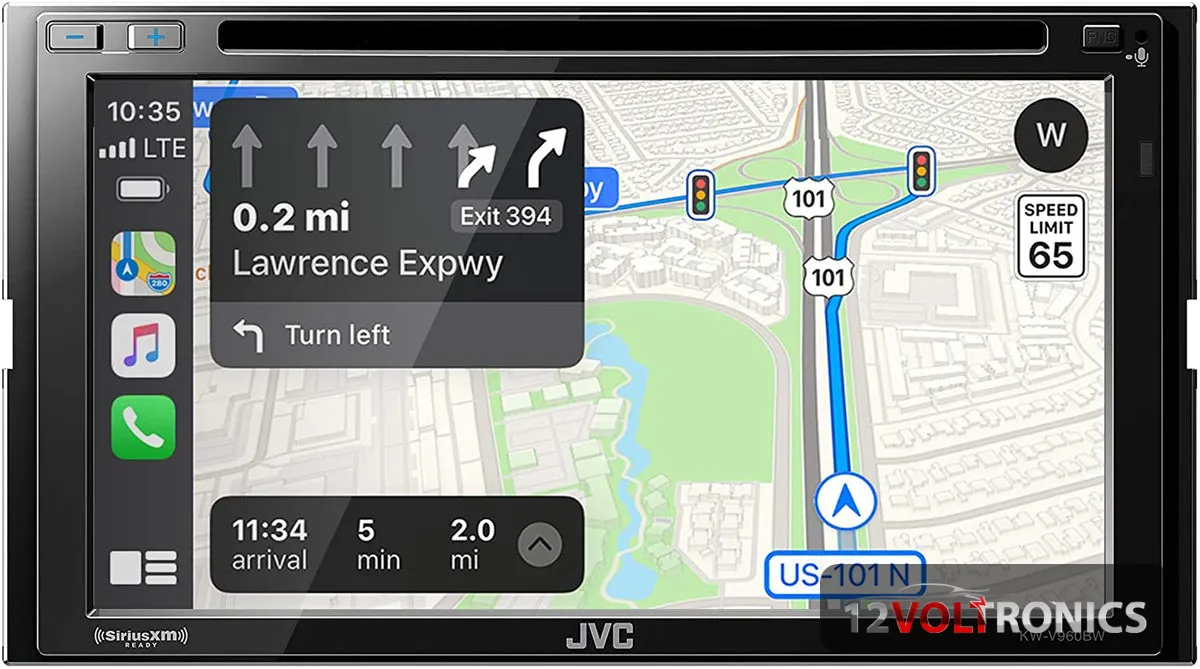
The KW-V960BW is JVC’s flagship disc-playing multimedia receiver. It pairs DVD/CD playback with wireless Apple CarPlay and Android Auto, high-resolution audio and serious sound-tuning tools for system builders.
Key Features
- Plays DVDs and CDs
- 6.8″ clear resistive touch panel display
- Wireless or USB Apple CarPlay and Android Auto
- Mirroring for compatible iPhone and Android phones
- 4-camera input
- High-resolution audio playback and high-quality Bluetooth streaming
- K2 technology, time alignment, Sound Response, Space Enhancement, Sound Lift and Volume Link EQ
- 13-band EQ
- Bluetooth with 2-phone full-time connection and JVC Streaming DJ
- SiriusXM Ready; iDatalink Maestro ready
- Dual USB with high-current 1.5A charging
- 5.0-volt 3-way preamp outputs
- JVC Remote Control App compatible; steering wheel remote ready
Good to Know
- Video playback works only when the vehicle is parked. SiriusXM tuner, iDatalink Maestro module, cameras and steering wheel interface are sold separately.
Building a System Around the JVC KW-V960BW
The source unit is where your music starts, so it shapes everything downstream. A quality source like the JVC KW-V960BW gives you modern streaming, easy controls, and a clean signal for your amplifiers. Start with a solid source, then add speakers, amplifiers, and subwoofers as your budget allows.
Installing the JVC KW-V960BW
- Disconnect the negative battery terminal.
- Get the vehicle-specific dash kit, wiring harness adapter, and antenna adapter if your vehicle needs them.
- Connect power, ground, accessory, and speaker or preamp wiring, soldering or crimping each connection.
- Route the microphone, USB, and any camera cables where they will be easy to use.
- Test every function before final mounting.
Tips for Better Sound
- Use preamp outputs to feed amplifiers for cleaner sound.
- Use the built-in tone or EQ controls to tune for your vehicle.
- Re-pair your phone if you have Bluetooth connection trouble.
Planning Your Controls
Think about where you will use your system most. In a boat, UTV, or golf cart, mount controls where they are easy to reach while driving and protected from spray. In a car, keep wiring hidden behind panels and leave service loops so the unit can be removed later. A clean, planned install is easier to troubleshoot and looks better too.
Shipping and Support
Store orders from 12voltronics ship free and typically arrive within 3 to 5 business days in the US. If you have questions about fitment, wiring, or how a product fits into your build, call or email our team before you order and we will help you pick the right parts. We are car audio enthusiasts too, and we would rather help you get it right the first time than have you guess.
Planning Your Next Upgrade
Great car audio and lighting builds are usually done in stages. Many people start with a better source or speakers, then add an amplifier, a subwoofer, and finally the wiring and electrical upgrades that let everything perform at its best. Whatever stage you are at, think about how each new part will work with what you already have and what you plan to add next. That way every purchase moves your build forward instead of becoming something you replace later.
Common Questions About the JVC KW-V960BW
Can I add an amplifier later? Yes. Preamp or RCA outputs make adding amplifiers easy.
Will I keep my steering wheel controls? Many vehicles can keep them with a steering wheel control interface sold separately.
How do I pair my phone? Put the unit in pairing mode, then select it from your phone’s Bluetooth menu.
For more background, see the vehicle audio article on Wikipedia.
Why Buy the JVC KW-V960BW at 12voltronics
New items from 12voltronics are covered by our 12-month factory-defect warranty (blown speakers, subs, and tweeters and install damage are not covered), and new, unused items can be returned within 30 days. Browse the full 12voltronics store for amplifiers, subwoofers, wiring, lighting, and install accessories to complete your build, and check out our $1 no-reserve car audio auctions where you name your own price.
Shop with confidence at 12voltronics.